How to Charge a Geek Bar
A practical Geek Bar reference for how to charge — clear answers for US buyers, updated for 2026.
Geek Bar disposables run from the 15K Pulse up to the 80K Burj, use 5% salt nicotine (0.5% on the Burj 80K, 0% on the Pulse Zero), and ship direct in the US. This guide covers how to charge in plain terms, with the full lineup shipped fast and free over $80.


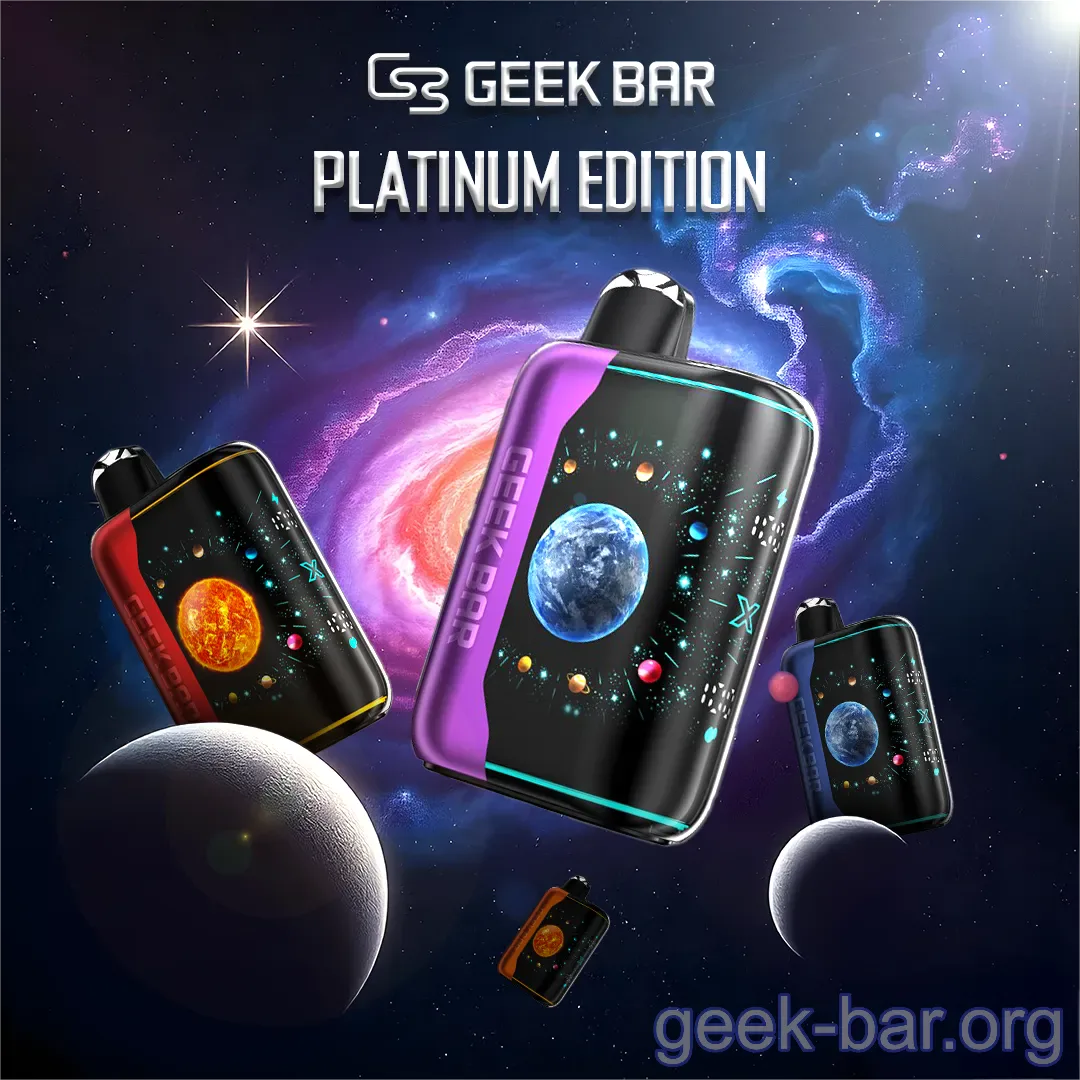
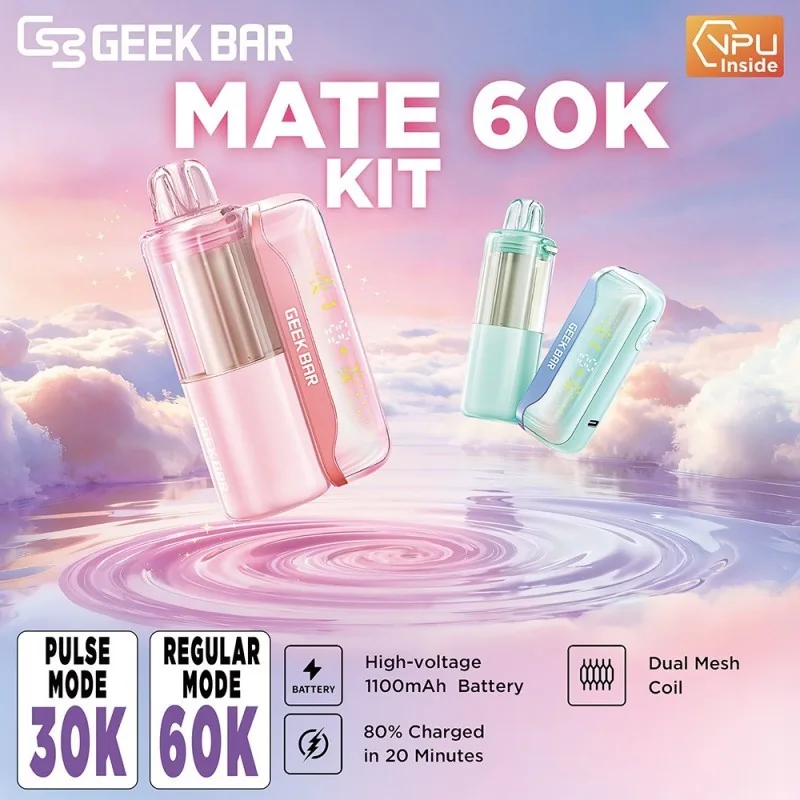
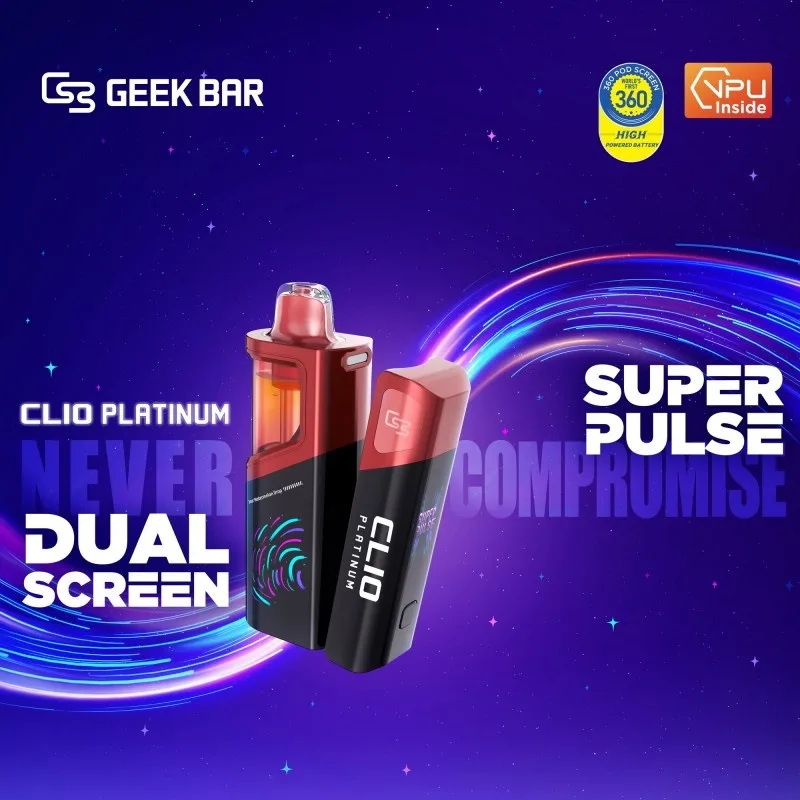
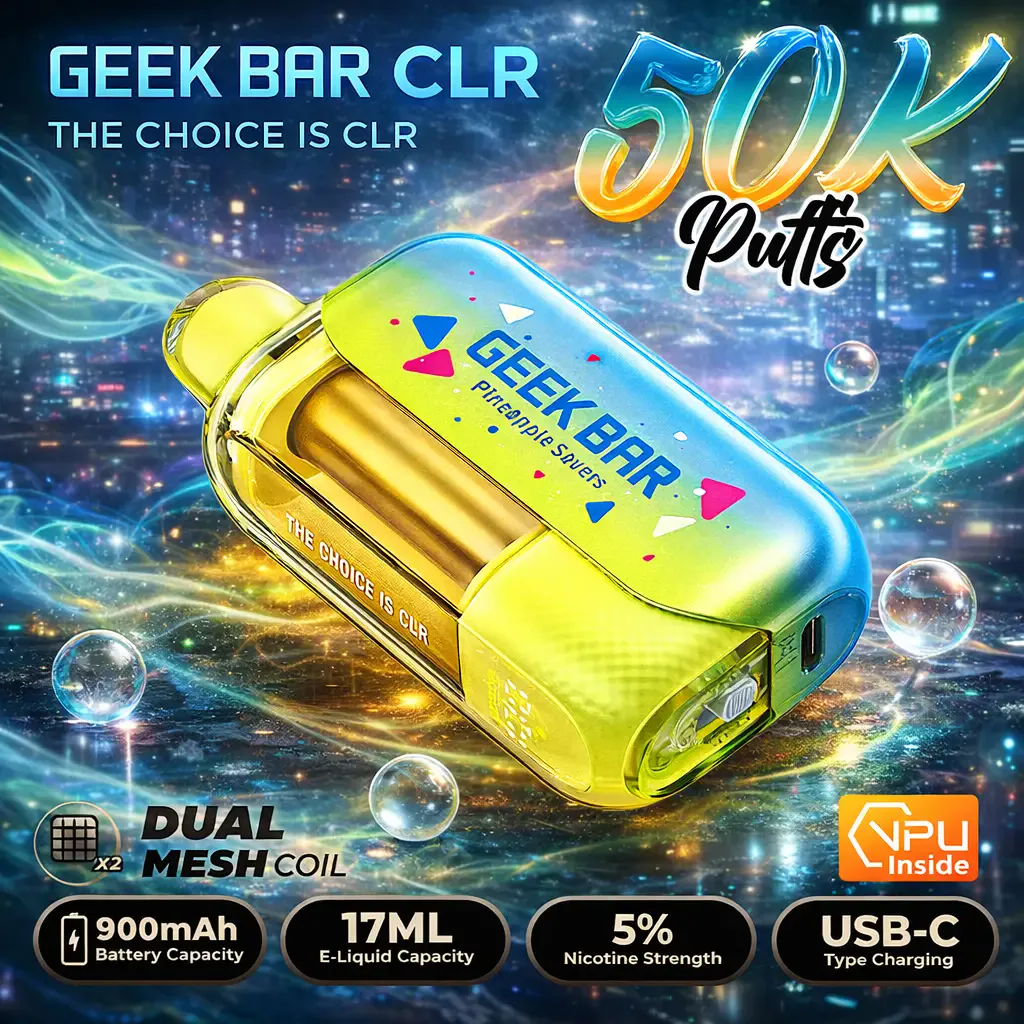
Modern Geek Bars are rechargeable, which is why a 50,000-puff device can outlast its own battery several times over. Charging one is simple: plug a USB-C cable into the port, watch the indicator, and unplug when it reads full. This guide covers how to charge a Geek Bar across the Pulse, Pulse X2 50K, Mate 60K and Clio Platinum, plus the safe-charging rules worth following.
How to charge a Geek Bar step by step
Find the USB-C port, usually on the bottom edge of the device. Plug in a standard USB-C cable — the same kind that charges most Android phones. Connect the other end to a low-output source: a computer USB port, a laptop, or a standard phone wall block. The device shows a charging indicator, either a light near the port or a battery readout on the display, and it climbs as the battery fills. When the indicator shows full — a steady light or a full battery icon — unplug it. A Geek Bar does not come with a cable in the box, so use one you already own; almost any USB-C cable works.
You can usually vape lightly while it charges, but the battery fills faster and stays cooler if you let it charge undisturbed. If nothing happens when you plug in, the fix is usually a dirty port or a bad cable — those steps are on our Geek Bar not working guide.
How long does a Geek Bar take to charge?
Most Geek Bar disposables charge from low to full in roughly 30 to 60 minutes on a standard USB port, and the larger dual-battery devices like the Mate 60K can take a little longer. The exact time depends on the battery size — the Pulse 15K's 650 mAh cell fills faster than the Burj 80K's 1,100 mAh cell — and on the power your charger delivers. A low-output source such as a computer port is gentler on the battery than a high-wattage fast charger, and the difference of a few minutes is worth it for battery health. When the indicator flips to full, unplug it rather than leaving it on the cable indefinitely.
Safe charging rules
A handful of habits keep charging safe and the battery healthy. Use a standard USB-C cable and a normal phone or computer power source; skip high-wattage fast-charge blocks meant for laptops or tablets, which push more current than these small cells are designed for. Do not leave a device charging unattended overnight — unplug once it reads full. Charge on a hard, non-flammable surface, never on a bed or couch, and stop if the device gets hot to the touch, swells, or the port looks damaged. Keep the port dry; moisture is the most common cause of a device that will not charge. Never try to charge a device with a cracked case or exposed battery — recycle it as electronic waste instead.
Charging works identically on the zero-nicotine model. A nicotine-free Geek Bar uses the same USB-C port, the same charge times and the same safety rules covered above — nicotine strength has nothing to do with the battery, so nothing here changes if you switch to the 0 mg version.
The charging routine is identical no matter where you bought the device — one grabbed at a Geek Bar vape near me counter uses the same USB-C drill as one shipped from our warehouse.
How to charge a Geek Bar FAQ
What cable does a Geek Bar use? A standard USB-C cable, the same kind that charges most Android phones. No cable is included in the box.
How long does it take to charge? Roughly 30 to 60 minutes from low to full on a standard USB port; larger dual-battery models take a little longer.
Can I use a fast charger? Use a normal phone or computer power source. High-wattage fast-charge blocks push more current than these small batteries are built for.
Can I vape while it charges? Yes, lightly, but it charges faster and cooler if left undisturbed.
Geek Bar Devices We Ship
| Device | Puffs | Battery | Charge | Price |
|---|---|---|---|---|
| Geek Bar Pulse X2 50K Disposable Vape | 50000 | 1000 mAh | USB-C fast charge (0-80% in about 20 min) | $24.99 |
| Geek Bar Pulse 2 25K Disposable Vape | 25000 | — | USB-C rechargeable | $23.99 |
| Geek Bar Pulse X Disposable Vape | 25000 | 820 mAh | USB-C | $23.99 |
| Geek Bar Pulse 15000 Disposable Vape | 15000 | 650 mAh | USB-C | $20.99 |
| Geek Bar Mate 60K Kit | 60000 | 900 mAh | USB-C · dual battery | $26.99 |
| Geek Bar Mate 60K Replacement Pod | 0 | — | — | $23.99 |
| Geek Bar Clio Platinum 50K Kit | 50000 | 900 mAh | USB-C (900 mAh device + 500 mAh pod) | $26.99 |
| Geek Bar Clio Platinum 50K Replacement Pod | 0 | — | — | $23.99 |
| Geek Bar CLR 50K All-in-One Disposable Vape | 50000 | 900 mAh | USB-C | $24.99 |
| Geek Bar Meloso Max 2 Disposable Vape | 12000 | 650 mAh | USB-C | $19.99 |
| Geek Bar Burj 80K DTL Shisha Hookah Vape | 80000 | 1500 mAh | USB-C | $29.99 |
| Geek Bar Pulse Zero Nicotine Vape | 15000 | 650 mAh | USB-C | $22.99 |
Ordering & Delivery FAQ
How do I know my Geek Bar is genuine?
+
Every genuine Geek Bar carries a scratch-off security code you can verify on Geek Bar's code checker. We ship direct in the US with the code intact, so you can confirm authenticity before you vape.
How fast does an order ship?
+
Every order is handed off to the carrier within one business day, and every buyer is age-verified (21+) at checkout. Most US addresses see delivery in 1–3 business days, and shipping is free over $80.
What's the right way to dispose of an empty Geek Bar?
+
Most US states classify used disposables as electronic waste because of the lithium-ion battery — drop them at a battery-recycling kiosk rather than household trash.
Do you earn rewards on Geek Bar orders?
+
Yes. Diamond membership earns 6% back in points on every Geek Bar order, redeemable on your next device.
Reorder Your Geek Bar
Carrier handoff within one business day on US orders. Free shipping over $80.