Geek Bar Pulse Settings
A practical Geek Bar reference for pulse settings — clear answers for US buyers, updated for 2026.
Geek Bar disposables run from the 15K Pulse up to the 80K Burj, use 5% salt nicotine (0.5% on the Burj 80K, 0% on the Pulse Zero), and ship direct in the US. This guide covers pulse settings in plain terms, with the full lineup shipped fast and free over $80.
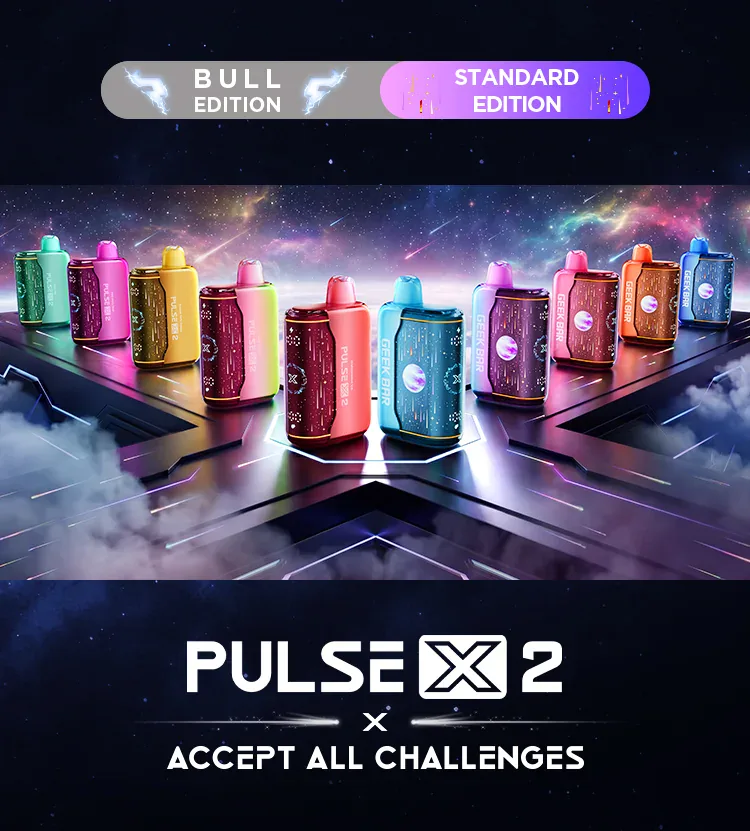
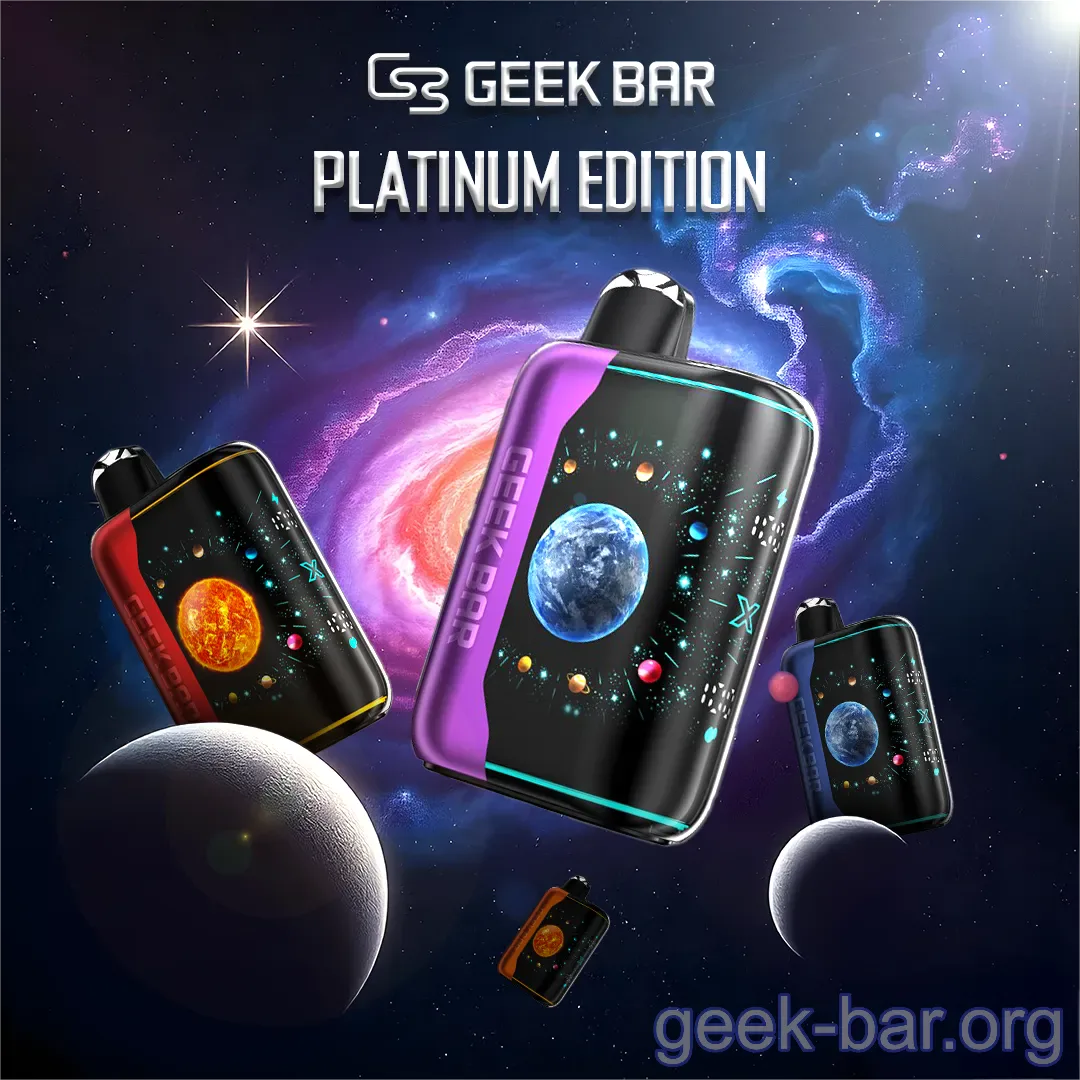
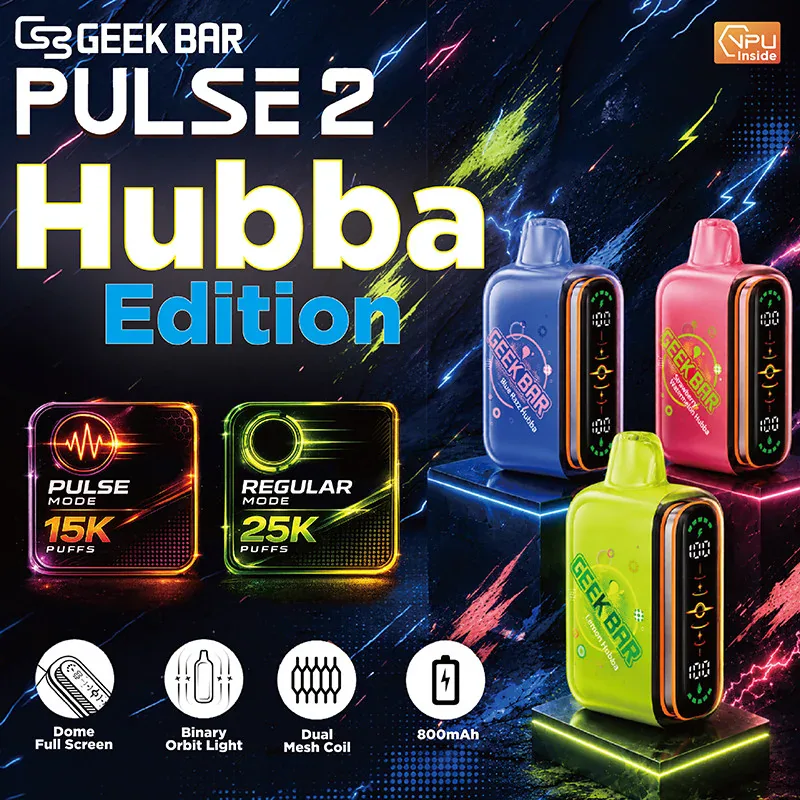

The Geek Bar Pulse is popular partly because it has real settings, not just a fire-when-you-inhale button. The main setting is the mode switch between Regular and Pulse, and the display shows you battery and e-liquid level so you always know where you stand. This guide covers how to use Geek Bar Pulse settings on the Pulse, Pulse X, Pulse 2 25K and Pulse X2 50K, which share the same control layout.
Regular mode vs Pulse mode
The Pulse has two power modes, and switching between them is the one setting most people actually change. Regular mode is the default: steady wattage, the longest runtime, and the full puff count on the box. It is the mode to leave it in for all-day vaping. Pulse mode — sometimes called boost mode — pushes more power for a warmer, denser hit with a bigger cloud. It feels stronger, but it draws more from the battery and e-liquid, so total puff count drops while you run it. Think of Regular as your everyday setting and Pulse as the one you flip on when you want a heavier pull for a few draws.
To switch modes, use the button or mode control on the device — a quick press cycles between Regular and Pulse, and the display or a small indicator light shows which mode is active. There is no complicated menu; it is a single toggle.
Reading the Pulse display
The screen is the second half of Pulse "settings," even though it is a readout rather than a control. On the Pulse and Pulse X you get a battery indicator and an e-liquid level indicator, and on the Pulse X2 50K a full-screen HD display shows both plus the active mode. Battery is shown as a percentage or a set of bars; when it drops low, put the device on USB-C. The e-liquid indicator is independent of the battery — a full battery can sit next to low juice, or the reverse. When the e-liquid indicator runs down near empty, that is your reorder signal, not a fault. Some editions also show a puff animation or a clock, which are cosmetic and do not change how the device performs.
Getting the most from your Pulse settings
A few habits get the best result from the settings you have. Keep it in Regular mode for daily use and save Pulse mode for when you actually want the extra warmth, since running Pulse constantly cuts your puff count noticeably. Charge with a USB-C cable before the battery hits critical rather than after it dies, which keeps the coil from firing on low power and tasting weak. If a flavor starts to taste faint or slightly burnt while the battery is still fine, check the e-liquid indicator — a near-empty device is the usual cause, not a settings problem. And if the device stops responding entirely, the fix is on our Geek Bar not working page; charging steps are on how to charge a Geek Bar.
The controls carry over to the nicotine-free model too. The 0% nicotine Geek Bar Pulse runs the same display, the same mode switching and the same battery readout as the standard Pulse, so everything on this page applies unchanged if you are stepping down off nicotine but want to keep the device you already know.
The mode switch works identically wherever the device came from — a Pulse picked up at a geek bars near me counter behaves exactly like one shipped from our warehouse, so everything on this page applies either way.
Geek Bar Pulse settings FAQ
How do I switch between Regular and Pulse mode? Use the device's button or mode control to cycle modes; the display or indicator light shows which mode is active.
Does Pulse mode use more battery? Yes. Pulse mode delivers a warmer, denser hit but draws more power, so it lowers total puff count compared with Regular mode.
Why does my display show low juice but full battery? The e-liquid and battery indicators are independent. Low juice with a full battery means it is time to reorder, not a fault.
Geek Bar Devices We Ship
| Device | Puffs | Battery | Charge | Price |
|---|---|---|---|---|
| Geek Bar Pulse X2 50K Disposable Vape | 50000 | 1000 mAh | USB-C fast charge (0-80% in about 20 min) | $24.99 |
| Geek Bar Pulse 2 25K Disposable Vape | 25000 | — | USB-C rechargeable | $23.99 |
| Geek Bar Pulse X Disposable Vape | 25000 | 820 mAh | USB-C | $23.99 |
| Geek Bar Pulse 15000 Disposable Vape | 15000 | 650 mAh | USB-C | $20.99 |
| Geek Bar Mate 60K Kit | 60000 | 900 mAh | USB-C · dual battery | $26.99 |
| Geek Bar Mate 60K Replacement Pod | 0 | — | — | $23.99 |
| Geek Bar Clio Platinum 50K Kit | 50000 | 900 mAh | USB-C (900 mAh device + 500 mAh pod) | $26.99 |
| Geek Bar Clio Platinum 50K Replacement Pod | 0 | — | — | $23.99 |
| Geek Bar CLR 50K All-in-One Disposable Vape | 50000 | 900 mAh | USB-C | $24.99 |
| Geek Bar Meloso Max 2 Disposable Vape | 12000 | 650 mAh | USB-C | $19.99 |
| Geek Bar Burj 80K DTL Shisha Hookah Vape | 80000 | 1500 mAh | USB-C | $29.99 |
| Geek Bar Pulse Zero Nicotine Vape | 15000 | 650 mAh | USB-C | $22.99 |
Ordering & Delivery FAQ
How do I know my Geek Bar is genuine?
+
Every genuine Geek Bar carries a scratch-off security code you can verify on Geek Bar's code checker. We ship direct in the US with the code intact, so you can confirm authenticity before you vape.
How fast does an order ship?
+
Every order is handed off to the carrier within one business day, and every buyer is age-verified (21+) at checkout. Most US addresses see delivery in 1–3 business days, and shipping is free over $80.
What's the right way to dispose of an empty Geek Bar?
+
Most US states classify used disposables as electronic waste because of the lithium-ion battery — drop them at a battery-recycling kiosk rather than household trash.
Do you earn rewards on Geek Bar orders?
+
Yes. Diamond membership earns 6% back in points on every Geek Bar order, redeemable on your next device.
Reorder Your Geek Bar
Carrier handoff within one business day on US orders. Free shipping over $80.